 Sportswear
 Equipment
 Nutrition
← All sectionsS18Live prototype on Concept 6.0.3 · the Extrême demo
The Timeline
A strip of points — a photo, a number, a heading and a line of text, optionally a product. On desktop the frame pins under the header and the vertical scroll moves the strip under a fixed lime marker while the big number rolls like an odometer; on a phone it is a swipeable strip with arrows by the number. Two takes below: the About page's «Our Story» in years, then the Nutrition collection's «Your Training Day» in times of day, each point with a product.
Our Story
From A Garage To Your Gym


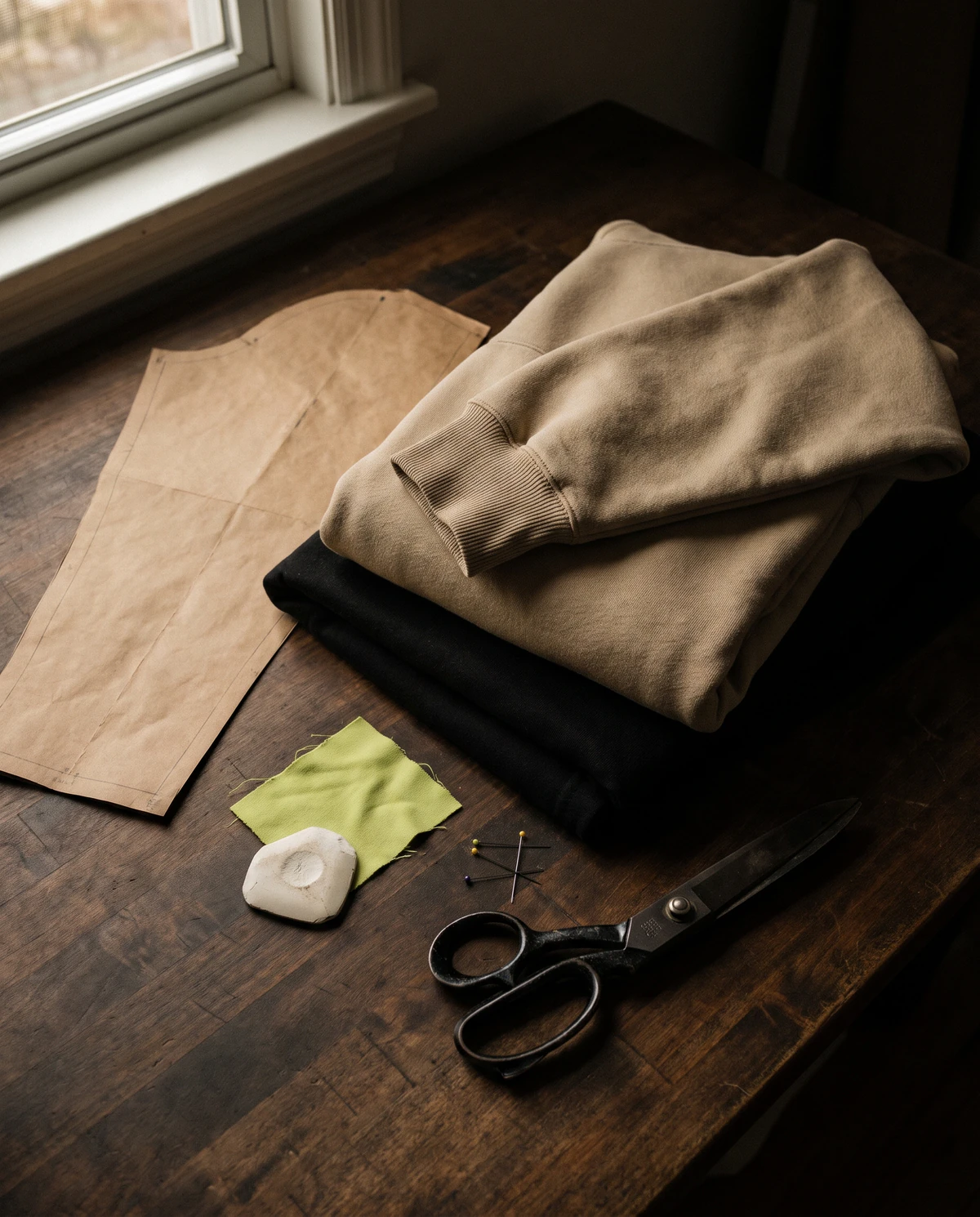
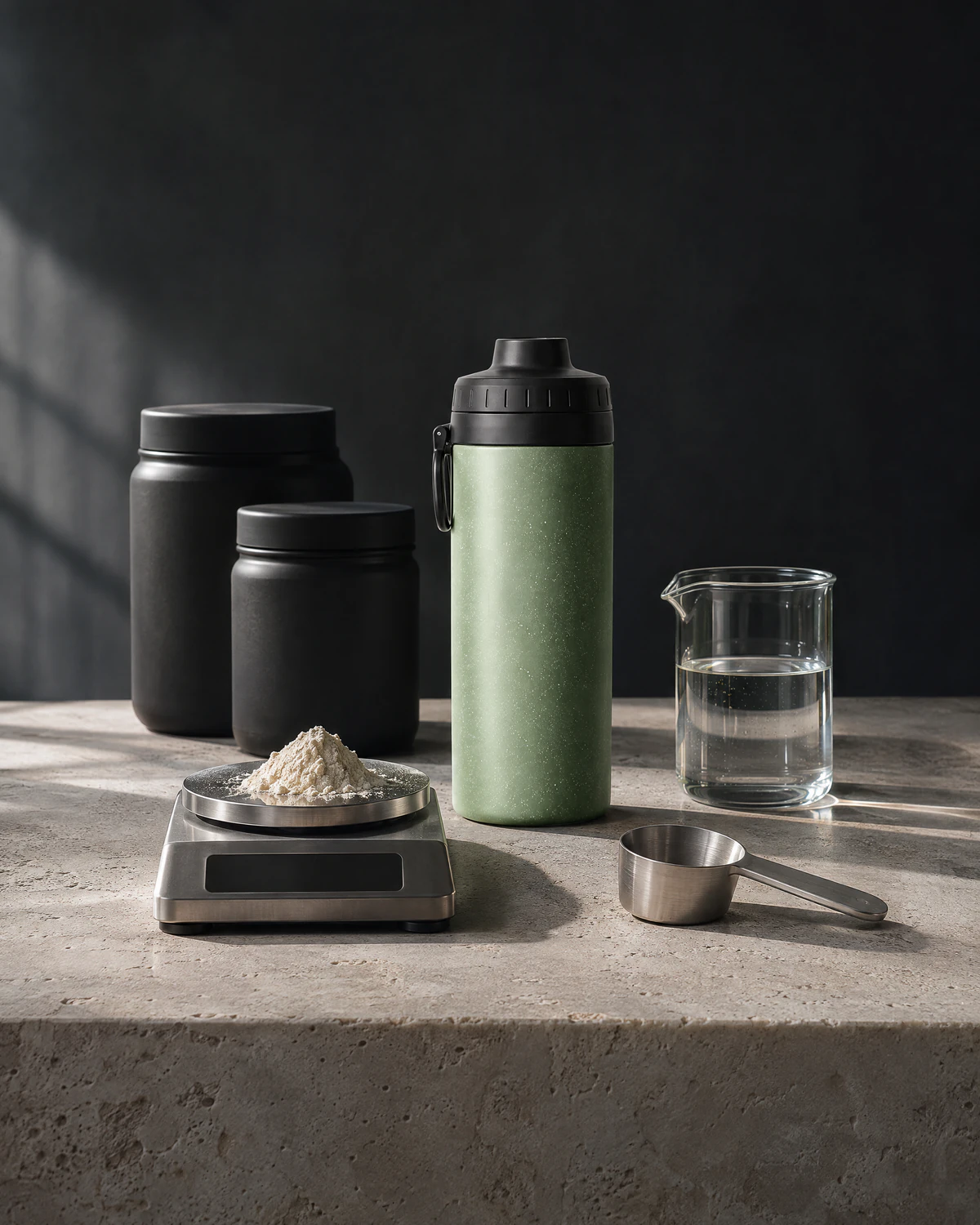
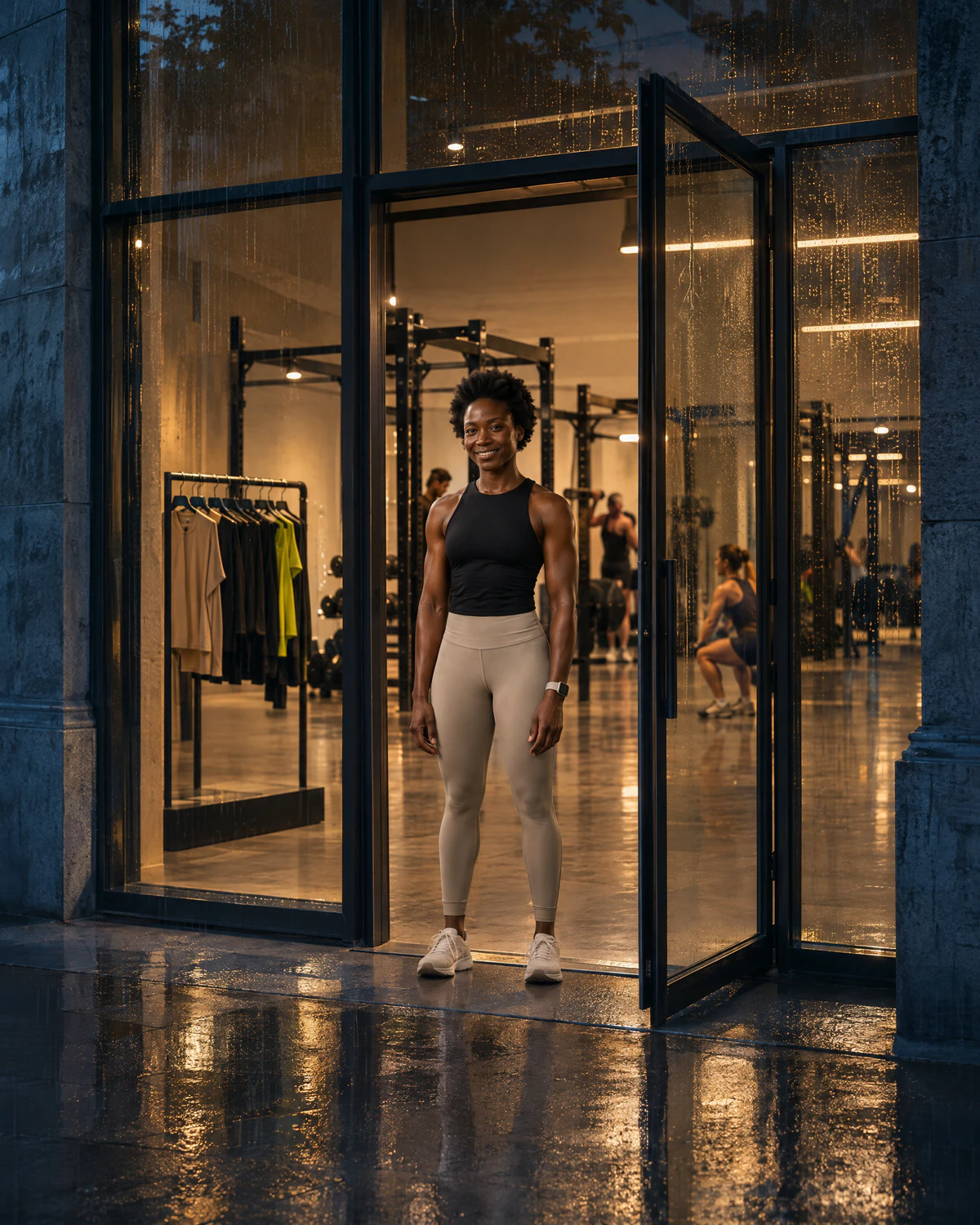
Started In A Garage Gym
Our First Kettlebell Ships
From Iron To Apparel
Clean Nutrition, No Fillers
Built For Every Day You Train
Two coaches, one squat rack and a list of gear that kept breaking. So we started making our own.
Cast in one piece and trained with for three months before a single sale. Still our best seller.
Training wear cut to move like the gear — breathable, squat-proof, made for daily use.
Protein, creatine and electrolytes with short labels. Mixes clean, tastes like it should.
The garage is now our showroom and training floor. Come and train in the gear before you take it home.
S18 · Nutrition
With Products
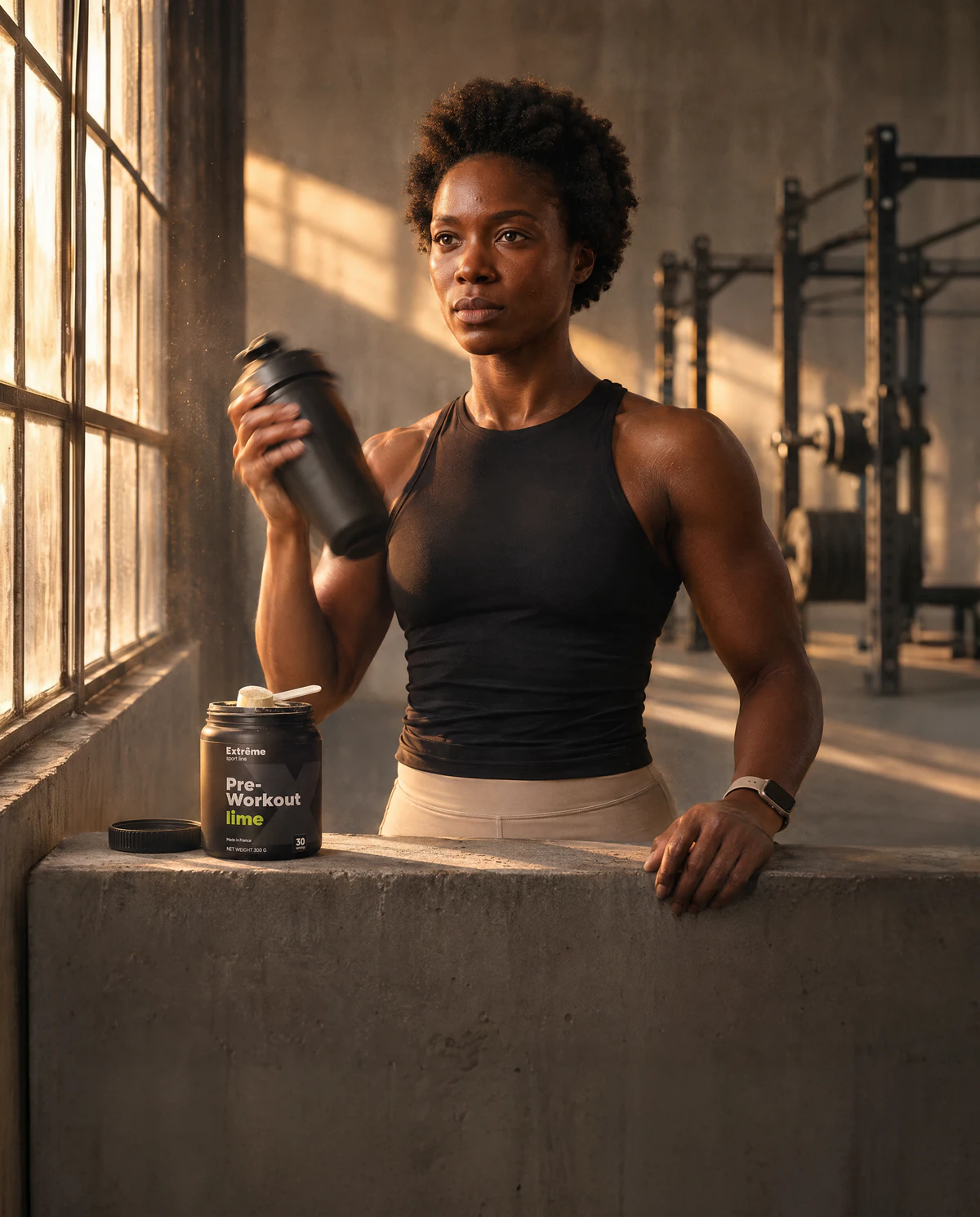
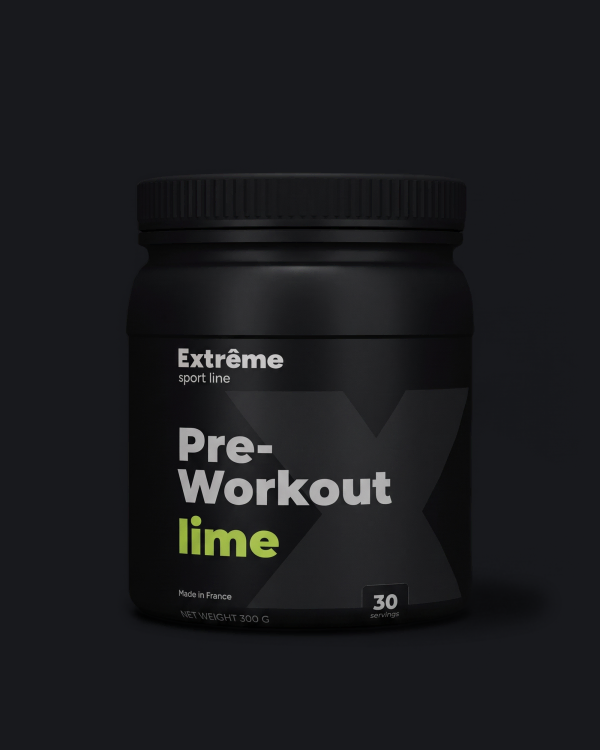
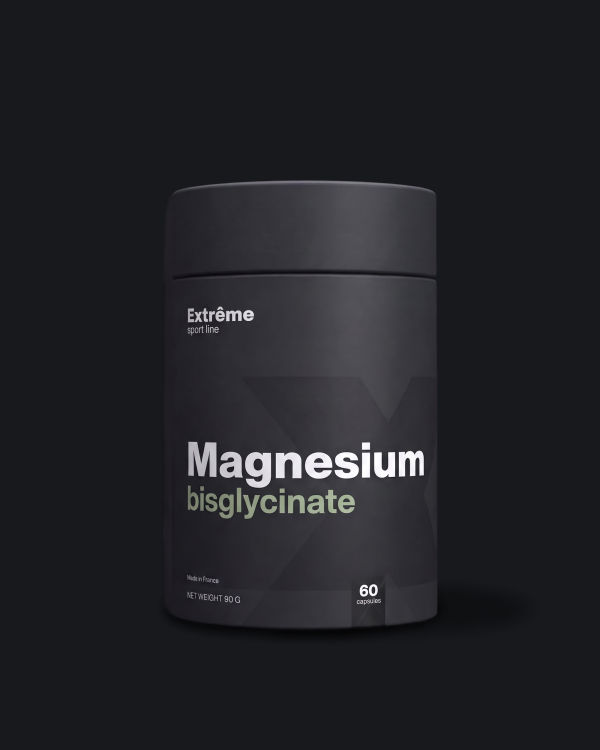
«Your Training Day», the same section on the Nutrition collection: the number format is a time of day, and every point carries a product — a rounded card at the photo's foot with its packshot, title and price, and an eye in the photo's corner that opens Concept's quick view.
Dosing & Timing
Your Training Day

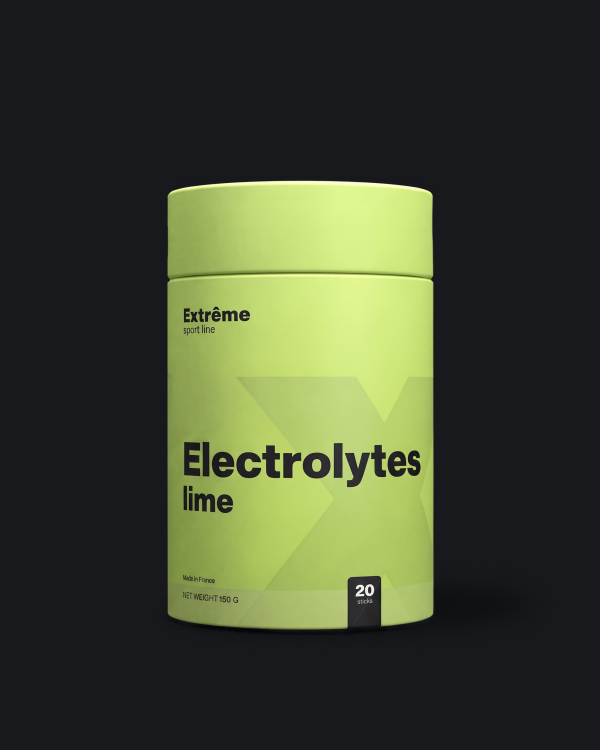


Wake Up And Hydrate
Pre-Workout, 30 Minutes Before
Protein Within The Hour
Wind Down With Magnesium
One stick in a big glass of water before coffee — sodium, potassium and magnesium back after the night.
One scoop in 300 ml of cold water. Kicks in as you finish the warm-up.
25 grams after training. One scoop, shake, done.
Two capsules before bed to help you switch off and be ready for tomorrow.
Implementation notes · what this section is and how to build it
What it is
A universal sequence with a number on each step: a company's years, a day's schedule, a plan's weeks. The number format is a year (2019), a time (06:30) or a step (01).
Settings and blocks
- Eyebrow · heading with the
<em>outline word · range label (empty: first — last) - Number format year / time / step · step height (50–90 vh) · image height (32–48 vh) · product card / bar · ticks on / off · scheme · padding
- Point (2–8): number (a string), image 4:5, heading, text, optional product and the variant shown in the photo (a card at the photo's foot, the eye in its top right corner opens Concept's quick view; or a full-width bar with the eye at its end)
Behaviour
- Desktop: the frame pins under the header (
pin-top.js), the scroll moves the strip so the current point stands under the marker; the number's digit strips roll; the ruler labels and the ‹ › buttons jump to a point. On screens up to 900 px high the number and the point's heading split at the marker under the strip. - The product: the card is one link to the product (the point's variant) with its own hover — the glass denser, the title underlined, the thumbnail 1.05 — never on the photo; the eye opens the quick view and wears the theme's «Quick view» tooltip above it. On phones a tap on the card opens the product, a tap on the eye the quick view as a bottom sheet.
- Phones: a swipeable strip with snap, the arrows by the number; in landscape the card is at most 70 % of the screen's height.
- Low screens (a 1366 × 768 laptop, a tablet in landscape): nothing is hidden — the photo gives way but stays at least 340 px wide (a square on a low screen), the paddings tighten, the text always shows in full.
- Reduced motion: no roll, the strip moves without easing.
- The maths in
timeline-logic.jsis unit-tested. Spec: /docs/about (S18), Figma ↳ Timeline.