← All prototypes
Extrême · Catalog
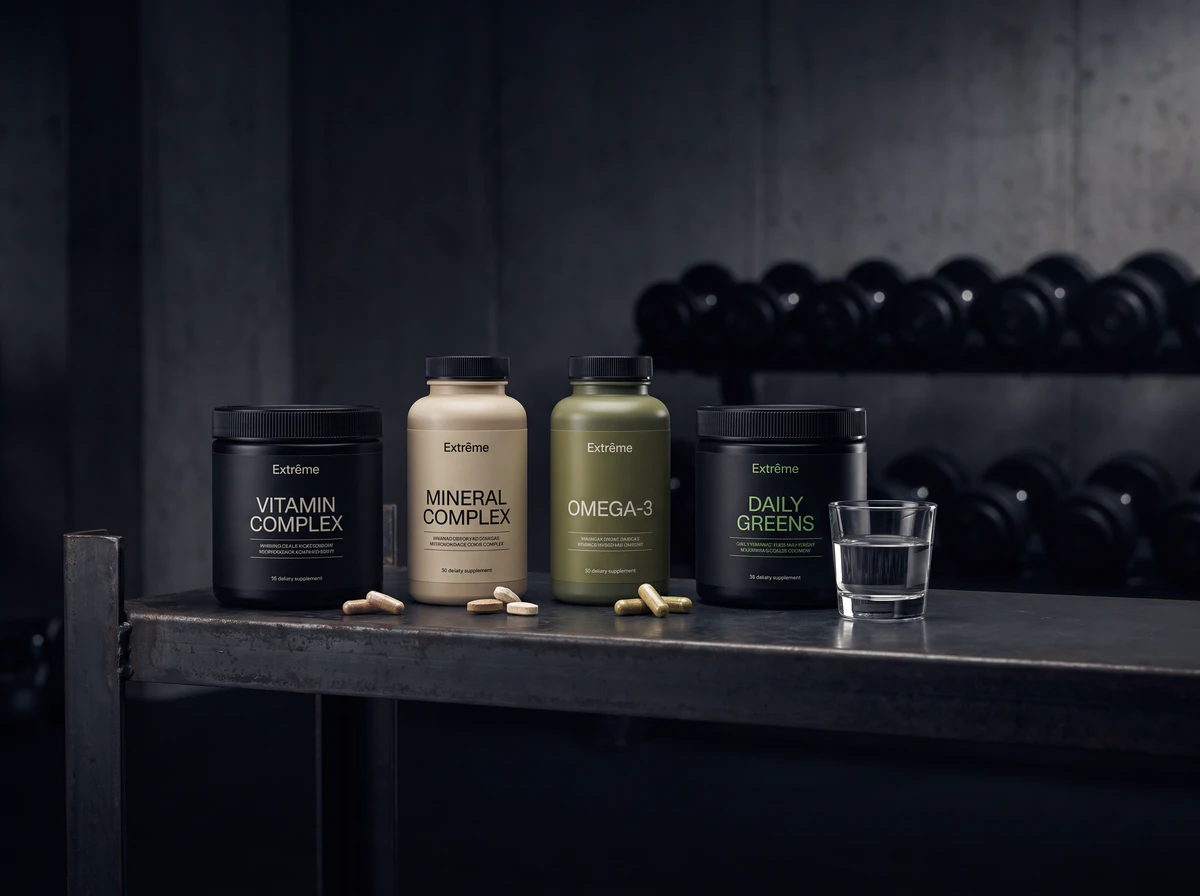
The Extrême collection pages as live HTML on the real Concept 6.0.3 CSS and JavaScript — the first dark Concept demo. 51 products in 15 collections: All Products, three categories with photo headers and eleven subcategories. Filters, sorting, Load more, Show on model, Top Trends and the bundle work in the browser; the Settings button (bottom left on every page) opens a panel that switches section settings live, like the theme editor — header variant and aside, card style, columns, specs, the bundle sidebar Filled / Outline, the story layout, the FAQ contact form — and «Copy changes» gives them as Shopify template JSON.
Open the catalog →
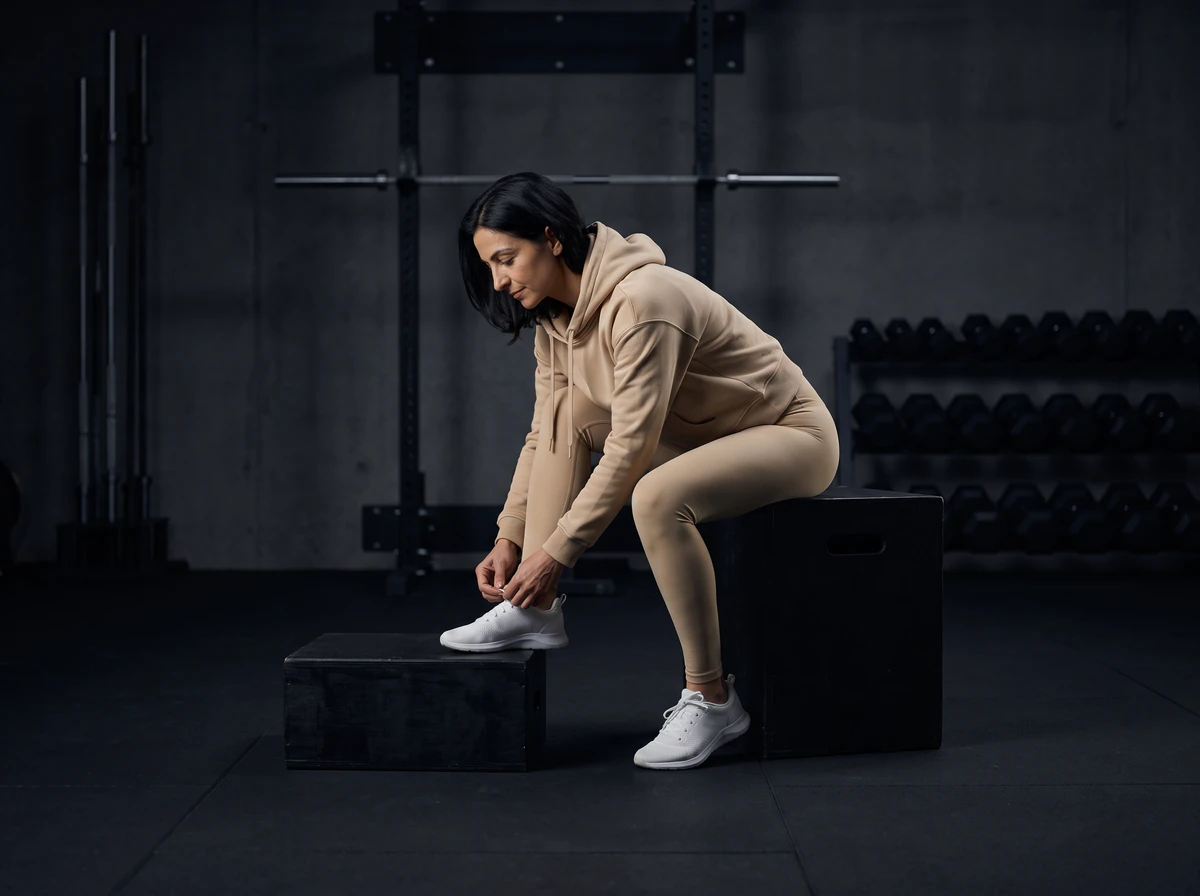
Homepage
Work in progress (spec 2026-10-31): the sections are being added one by one; the hero comes in two variants to choose from.
Collection pages
All
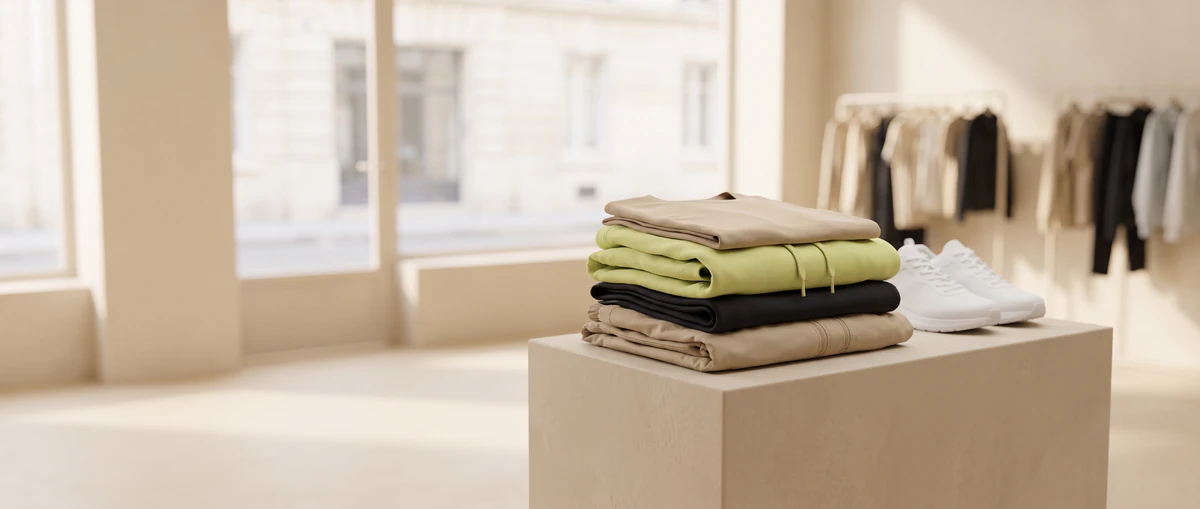
Sportswear
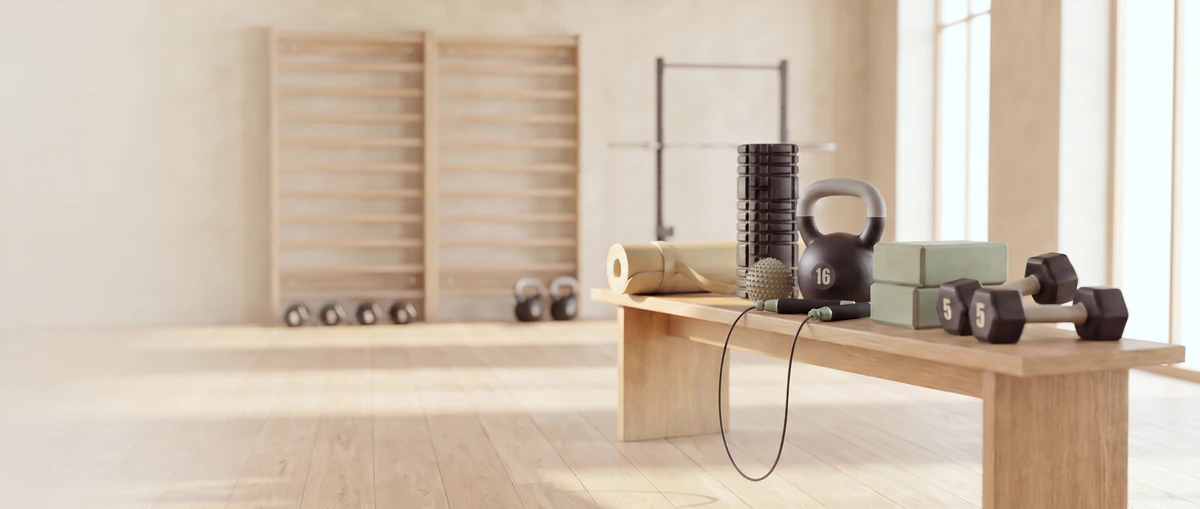
Equipment
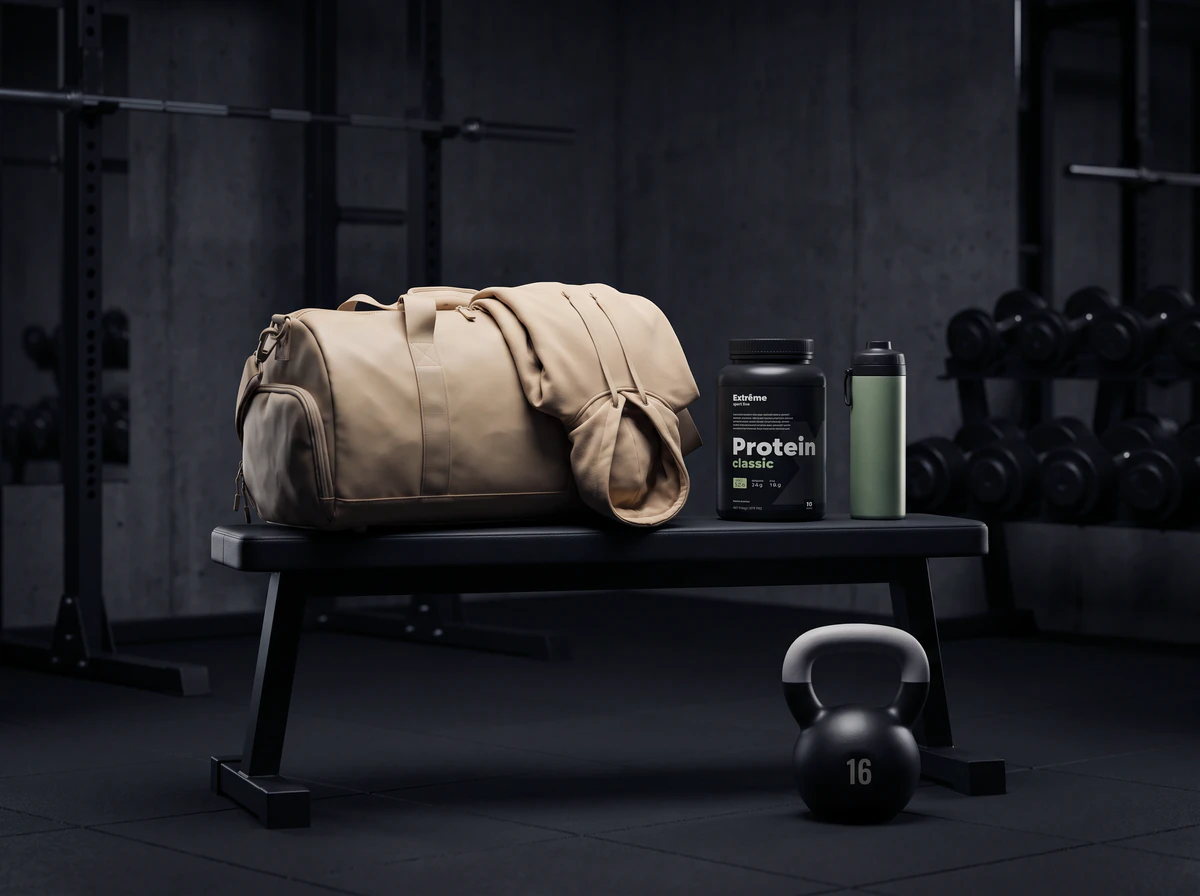
Nutrition
Implementation notes
Concept's own CSS and JavaScript are loaded unchanged; everything Extrême adds is in /demo/extreme.css and /demo/extreme.js, each rule marked with its decision number. Full specs are in the repository (docs/06-new-sections.md, decisions in docs/decisions.md); the Figma file is shared separately.
New in the catalog
- C1 · Horizontal filter row — dropdown buttons that show the selection (value, count, colour dots), Clear in each panel, More filters opens Concept's drawer; Concept's own toolbar below 1280 px.
- C2 · Promo tile — eyebrow and title bottom-left, a 56 px round arrow button; new block setting Overlay: Solid / Gradient from bottom.
- C3 · Category tiles and the header aside — tiles with product counts under the title (Concept's subcollection logic), on the right Top Trends or Fit Finder as a card with a tab behind it; below 1024 px the tiles become Concept's select in the toolbar.
- C4 · Load more with progress — Concept's infinite button with “Showing X of Y products” and a progress line.
- C5 · Light photo header — a preset of the collection banner: no overlay, the Sand scheme, the site header turns dark over the photo; separate mobile photo.
- C6 · Bundle sidebar “Filled” — new setting of
product-bundle (Sidebar style: Filled / Outline, switch it in the Settings panel): a card-coloured panel without Concept's 2 px outline; the mobile sheet stays dark with the lime button.
- C7 · Collection story from metafields — Concept's image-with-text filled from the collection: photo
custom.intro_image (focal point respected), icon custom.intro_icon, heading custom.tagline, text = the collection description; hidden without a photo.
Concept sections used below the grid
- Image with text (C7) — all 15 pages, the photo beside a graphite panel.
- Rich text + Product bundle — Equipment “Build Your Home Gym”, Nutrition “Build Your Stack”: pick three, save 10 %.
- Shop the look — Sportswear: the photo with three hotspots and the look's cards; from 1024 px the card and its dots end level with the photo; the hotspot bubble can open below, above, left or right.
- FAQ — Sportswear “Sizes & Fit”, Nutrition “Dosing & Timing”, with the contact form beside.
- Recently viewed — all pages, after the story.
Small fixes to Concept
- Sticky filter bar — its padding follows the sticky header height (
(--sticky-header-height − 56px) / 2), so the stuck bar is exactly as tall as the header.
- Grid with fewer than four products stays left-aligned.
What is simulated
- Cart requests get an empty cart, the contact form shows its success line without sending, Recently viewed shows a fixed set of six products (there are no product pages yet), search returns nothing.
Not indexed. Pages of this site show work in progress for the Concept theme.